
What finite capacity scheduling means in a real factory
Finite capacity scheduling begins with a simple constraint. Machines, people, and shifts can only complete so much work each day, and one resource cannot serve several orders at the same time. A schedule becomes credible only when it accounts for those limits.
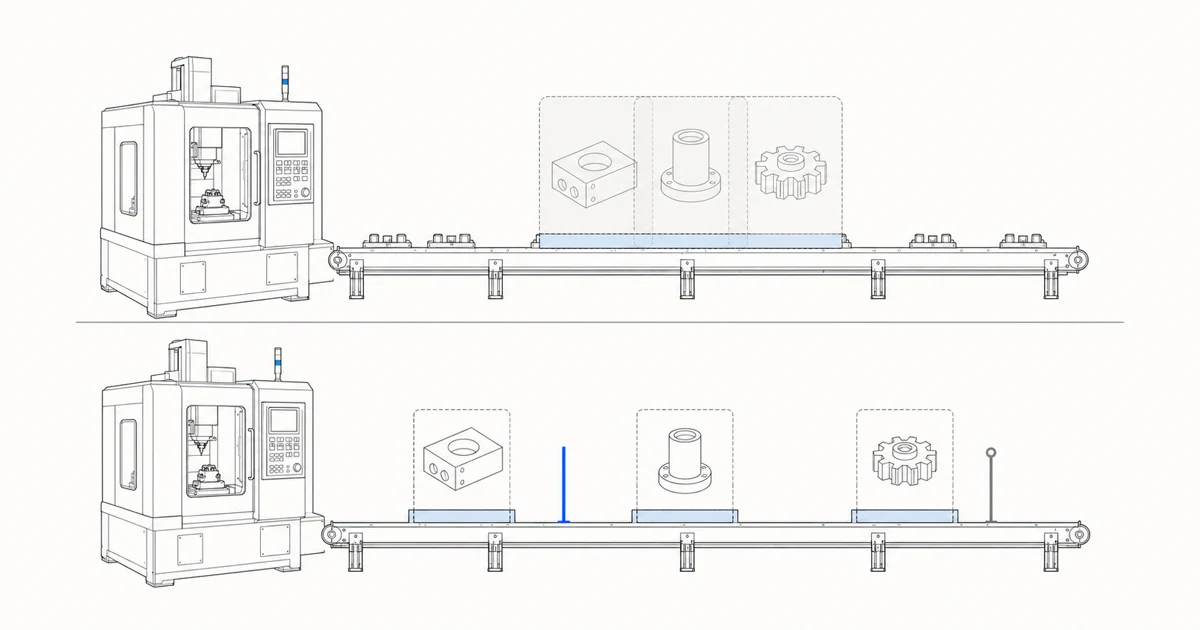
A machine only has so many hours in a day
A basic production plan can begin with demand. A customer needs a quantity, standard times are applied, and the system calculates dates. That calculation may assume capacity is always available. When three orders need the same machine, their dates can overlap on paper even though the shop floor must run them one after another.
Finite capacity scheduling checks how much work each resource can still accept in every time period. Downtime, shift changes, labor limits, and already allocated hours affect the decision. The result remains a candidate based on the calendars, times, and resource configuration represented in the model rather than a shop-floor confirmation.
Capacity includes more than machines. Tooling, skilled labor, inspection stations, and subcontracting windows can all become constrained resources. The first planning model should include the constraints that materially change an order result.
Finite and infinite scheduling answer different questions
Infinite-capacity scheduling calculates dates from due dates, lead times, and routing sequence while treating resource capacity as unlimited. Several operations can therefore occupy the same work center at overlapping times, leaving the planner to check separately whether the resource can carry the load.
Finite-capacity scheduling limits the load assigned to constrained resources. When the target period has no available capacity, the result may move the work to another available slot and planned completion or delivery can move later; if no slot is available within the scheduling horizon, the outcome depends on system configuration and implementation. Operation splitting and alternate-resource behavior do not have one universal rule.
- Infinite capacity
- Calculates from due dates, lead times, and routing sequence without limiting resource load, so operations on one resource can overlap.
- Finite capacity
- Includes the available capacity of constrained resources. When the target slot cannot accept the work, scheduling may search for another available period, while the exact result depends on the implementation.
- How to read the result
- Both results depend on inputs such as routings, calendars, and standard times. A finite schedule remains a candidate under the conditions represented in the model.
Finite applies only to the resources and scheduling horizon represented in the model. The result also depends on whether resource calendars, shifts, existing reservations, and resource configurations are current and accurate. Resource limits or existing reservations that are absent from the model must be marked as unknown or out of scope. A tidy Gantt chart cannot replace shop-floor confirmation.
An order moves through a routing
Manufacturing orders normally pass through several operations. A downstream operation cannot start until its predecessor is complete. Products follow different routes, several machines may be eligible for the same operation, and each machine can have a different speed, calendar, and changeover cost.
A scheduling system has to handle operation sequence and resource choice together. It breaks the order into actual operations and places each one on an eligible resource at an available time. The result should remain traceable to the order, routing, and operating rule behind it.
The first model does not need every routing detail. Teams can begin with critical operations, primary resources, and standard times, then identify which missing facts materially pull the result away from shop-floor reality.
Due dates, capacity, and materials meet in one plan
Capacity alone is insufficient. An idle machine tomorrow cannot help an order whose critical material arrives next week. Order due dates, material availability, routing sequence, and resource capacity need to be evaluated together.
This is where a spreadsheet often drifts away from reality. It can display every order neatly while leaving the planner to keep checking hundreds of connected conditions. After one change, the planner has to chase its effect through later operations and commitments. High order volume, long routings, and frequent rush orders quickly outgrow that method.
A finite-capacity planning model needs to state which constraints it represents and leave unmet conditions visible for planner review. A schedule can explain where lateness begins, which resource is overloaded, or which material condition blocks the plan only when the corresponding data and rules are present in the model.
A rush order is more than one new spreadsheet row
The equipment time used by a rush order comes from somewhere else. It may also add a changeover, push a later operation into another shift, or create a shortage in material that was previously sufficient. A decision to accept the order needs to include the effect on existing promises.
A finite-capacity plan can place the rush order into the current schedule and calculate again. The result should show the orders affected, the bottleneck, and possible response options in addition to the rush order's own completion date. The planner then decides which commitment matters most and which rules can move.
One order set can produce several valid plans. Delivery priority, balanced utilization, and fewer changeovers lead to different tradeoffs. Planning work improves when those tradeoffs are visible before the team approves a schedule.
The roles of ERP, APS, and MES
The three systems often appear in the same conversation. They use neighboring data while doing different jobs, and a factory does not need to remove its existing systems to evaluate APS.
- ERP
- Holds commercial and resource data such as orders, materials, purchasing, inventory, BOMs, and routings that feed the plan.
- APS
- Combines demand, routings, capacity, materials, and rules to generate plans, compare options, and explain due-date risk.
- MES
- Supports production execution, reporting, equipment data, and shop-floor feedback so the team can see actual progress against the plan.
An early validation can begin with ERP exports, spreadsheets, the current schedule, and operating rules. APS runs in the planning layer first. Planners review the result before it returns to existing workflows through export; controlled release remains limited in scope. This tests planning quality while keeping implementation risk contained.
What the first finite-capacity planning run needs
Preparation serves one goal. The system needs enough context to reproduce the conditions a planner actually considers when evaluating an order. A first run usually begins with the following material.
- Order number, product, quantity, due date, and priority
- Routing, operation sequence, and standard time
- Machine, line, tooling, labor, and shift calendars
- Inventory, inbound material, and critical-part availability
- Changeover, downtime, minimum batch, rush-order, and frozen-horizon rules
- The current schedule and orders already confirmed by the planning team
The material can be anonymized. Data gaps can be recorded and tested for their effect on the result. The larger risk is omitting one decisive constraint while spending weeks cleaning fields that never change a planning decision.
Why the planner still makes the final decision
Every factory has rules that have not yet reached a system. One customer cannot be late, a machine may stop next week, or material shown in inventory may still be unavailable for use. Planners carry this context and decide which commitments can move.
APS can complete the calculation-heavy work first, then present conflicts, causes, and options to the planner. The planner confirms a candidate version; the manufacturer then decides any later handoff or release under its own authorization process. A record of each change lets the team review why the schedule moved.
Shadow scheduling is a practical way to evaluate APS. Run a new plan on historical or current orders, then compare it with the method the team already uses. The useful questions concern whether it explains late orders, represents the bottleneck, and shows rush-order impact in a way the shop floor recognizes.
Sources
System definitions and planning concepts draw on the following official documentation. Kavop product boundaries follow the company's current positioning record.
- Microsoft Learn on finite capacity planning and scheduling
- Microsoft Learn on work centers and finite or infinite capacity
- Microsoft Learn production process overview
- Siemens overview of advanced planning and scheduling
- ISO IEC 62264 enterprise-control system integration
- SAP guidance on integrating production orders with an MES
Run one order set and see where the current schedule starts to drift.
Orders, routings, machines, materials, and operating rules can be anonymized. The first run makes no write-back to production systems.