
Why a manufacturing order is late and how to trace the evidence
A late-order flag only shows that one planned date has passed the date used for comparison. The planner still needs to identify the milestone, follow the order through operations, resources, and upstream supply, find where the first material deviation appears, and keep unresolved data and shop-floor conditions beside the conclusion.
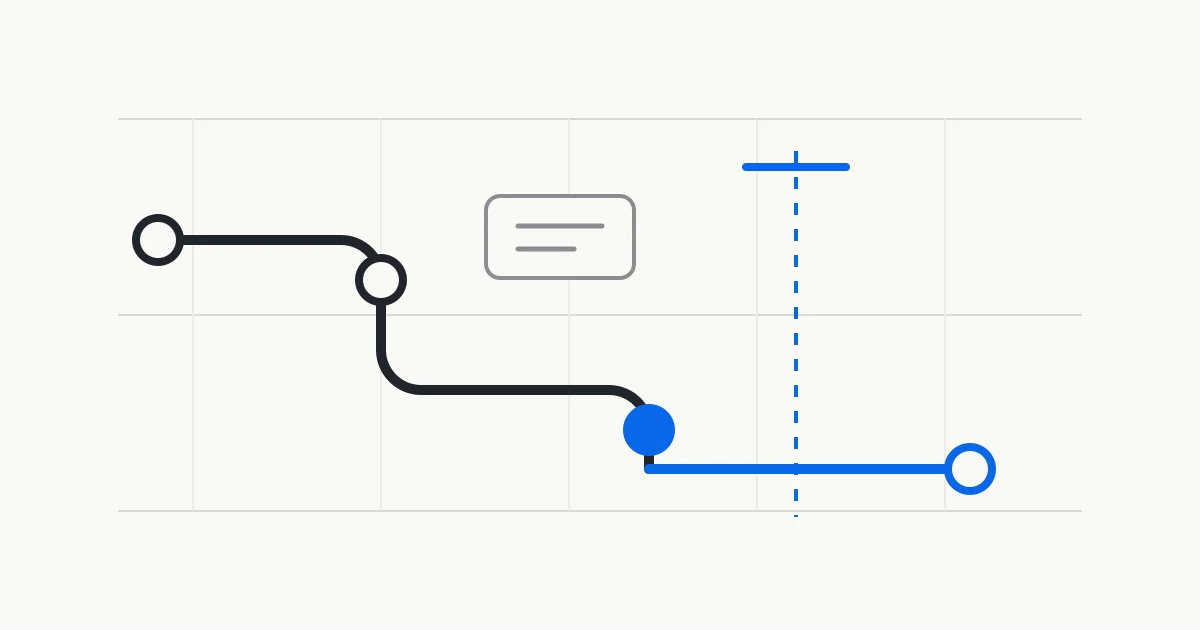
Define which milestone the order will miss
When an order is marked late, the first question concerns the date it has passed. A customer request date, work-order need-by date, planned completion, planned shipment, and customer receipt each describe a different milestone. A statement such as three days late has little meaning until the two dates are named.
Oracle Production Scheduling defines a late work order by completion after its need-by date and a late demand by availability after its requested date. Microsoft order-promising documentation connects earliest ship and receipt dates to the selected date-control method. These product fields are not interchangeable, but both sources show why the milestone must be explicit.
The analysis also needs a plant time zone and a data cutoff. A schedule exported yesterday can already differ from today's production feedback, downtime, or inbound supply. A planner reviewing a late flag should see the comparison date, the current candidate date, and the source of each value.
Fix the analysis scope and data cutoff
Define the plant, orders, scheduling horizon, order statuses, resources, and cutoff before investigating the delay. Oracle demand documentation shows that dates, status, and schedule scope determine whether sales and transfer demand enter a production schedule. Omitted demand cannot consume supply or capacity in that result.
The time horizon matters as well. Microsoft master-planning and finite-capacity documentation uses different time fences to determine how far demand, capacity, and planning actions are considered. If an order or constraint falls outside the configured horizon, the analysis needs to state that boundary rather than imply that the whole plant has been evaluated.
Reconcile order quantities, requested dates, current statuses, and the current schedule under that fixed scope. Duplicate orders create false load, canceled demand distorts the comparison, and new demand missing from the snapshot creates false headroom. Records that remain unresolved can stay in the review when they are visibly marked for confirmation.
Trace the order through each operation
An order-level completion date is the result of several operations. Microsoft describes a route as an ordered set of operations with resource requirements, setup time, and run time. The applicable route version can also vary by product, site, quantity, and date.
Expand the order into operations and review planned start, planned finish, predecessor relationships, remaining quantity, eligible resources, and current status. Locate the earliest operation that begins to wait or move later, then ask why it could not start as planned. This point begins the investigation and does not by itself establish the final cause.
Oracle demand analysis can highlight the operations that produce a selected demand, while pegging can expose upstream supply and downstream consumption relationships. Those links narrow the search. An incorrect route version, dependency, or resource mapping will also produce an incorrect path on screen.
Check how capacity pushes an operation later
Once the operation is identified, inspect whether its target resource has usable capacity in the planned period. Calendars, shifts, downtime, maintenance, reserved hours, and work already in the queue all affect where the operation can fit. A machine count alone does not show which hours are already occupied.
Microsoft documents that finite capacity must be enabled for the plan and relevant resources and is bounded by a time fence. When capacity is unavailable, a date may move later. That finding covers only resources represented and included in the calculation. It does not silently include missing tooling, labor, fixtures, or subcontract windows.
Oracle places downtime, utilization, fixed starts, and alternate-resource permissions in its schedule analysis. Aggregate load and Gantt shading can identify a pressured period, but the order still needs to be traced to operation-level resource use. A busy resource is not automatically the first constraint affecting this order.
Check whether material and upstream supply support the start
An idle machine cannot start work when a critical component is unavailable. Microsoft CTP documentation describes a product calculation that considers on-hand inventory, required materials, production capacity, and transportation. Its batch results can also become invalid after order or setting changes and wait for another planning run.
Oracle pegging represents upstream sources such as on-hand inventory, inbound supply, producing work orders, and shortage quantities, then connects them with downstream consumers. A late-order review can follow that relationship to the supply supporting an operation and verify quantity, date, and status. Pegging is a modeled relationship and still needs reconciliation with reservations and shop-floor use.
Kavop explains material risk from the material status that has been confirmed. A record can show a critical item awaiting confirmation, an unverified supply date, or insufficient quantity, and a substitute or planned receipt is not treated as available stock until it is confirmed.
Keep constraint evidence and data problems separate
A late date can reveal a physical constraint or expose a data problem first. An operation completed on the floor but not reported can continue to occupy modeled capacity. Expired calendars, incorrect route versions, missing downtime, and stale supply dates can also push an order to a position that the shop floor cannot recognize.
Oracle lists several fulfillment lines that its schedule refresh ignores, including canceled or closed lines and records without ship quantity or requested ship date. That list belongs to Oracle, but it illustrates a useful check. Confirm that the object entered the review before explaining its result.
Record the date difference, first constrained operation, related resource or supply evidence, and unresolved conditions separately. A planner can then accept the supported parts of an analysis while returning one field for reconciliation, without having to accept or reject the entire result as a single block.
- Date difference
- Name the milestone, comparison date, current candidate date, time zone, and data cutoff.
- First constrained operation
- Record the earliest operation that waits or moves later and its relationship to subsequent work.
- Supporting evidence
- List relevant resource use, downtime, upstream supply, shortage, or predecessor work with its source.
- Unresolved conditions
- Flag missing feedback, expired calendars, route versions, operating exceptions, and constraints outside the review.
Give the planner a reviewable late-order record
A useful late-order analysis lets the planner return from the conclusion to the order and operation. Retain the order number, comparison date, candidate completion, first constrained operation, related resource, material or upstream supply, affected downstream orders, data gaps, and analysis version. An unverified cause can remain an investigation lead.
The planner then checks current shop-floor status, priorities, and unmodeled conditions before comparing a date change, a sequence adjustment, an approved alternate resource, or another candidate. A customer date remains an authorized business decision. An internal candidate completion does not become a customer commitment on its own.
Kavop reads company-provided snapshots of orders, routings, resources, material status, calendars, rules, and the current schedule. It builds comparable plans and explains late-order, bottleneck, capacity, material, and rush-order risks. The first round stays read-only, and the planner decides whether the finding holds and how the plan moves forward.
Sources
This guide uses official Microsoft and Oracle documentation for date definitions, finite capacity, routings, and supply relationships. Third-party product documentation establishes behavior only for the stated product and version. It does not imply vendor endorsement of Kavop.
- Microsoft Learn on order promising
- Microsoft Learn on calculating sales order delivery dates with CTP
- Microsoft Learn on finite capacity planning and scheduling
- Microsoft Learn master plans overview
- Microsoft Learn on routes and operations
- Oracle Fusion Cloud SCM 26C Gantt analysis and adjustment
- Oracle Fusion Cloud SCM 26C demand analysis
- Oracle Fusion Cloud SCM 26C pegging analysis
See how a late order is traced to the first constrained operation
The demo follows an order date into its operations, resources, and upstream supply relationships, then marks the data and shop-floor conditions that still need planner confirmation.