
What routing data an APS schedule needs
A routing tells the schedule which operations an order must pass through, how those operations relate, which resources they require, and how much time each part of the work consumes. Operation names and one standard-time column rarely explain why an order date moves. A first review should resolve the routing definitions that can change the schedule result and leave unknown conditions visible to the planner.
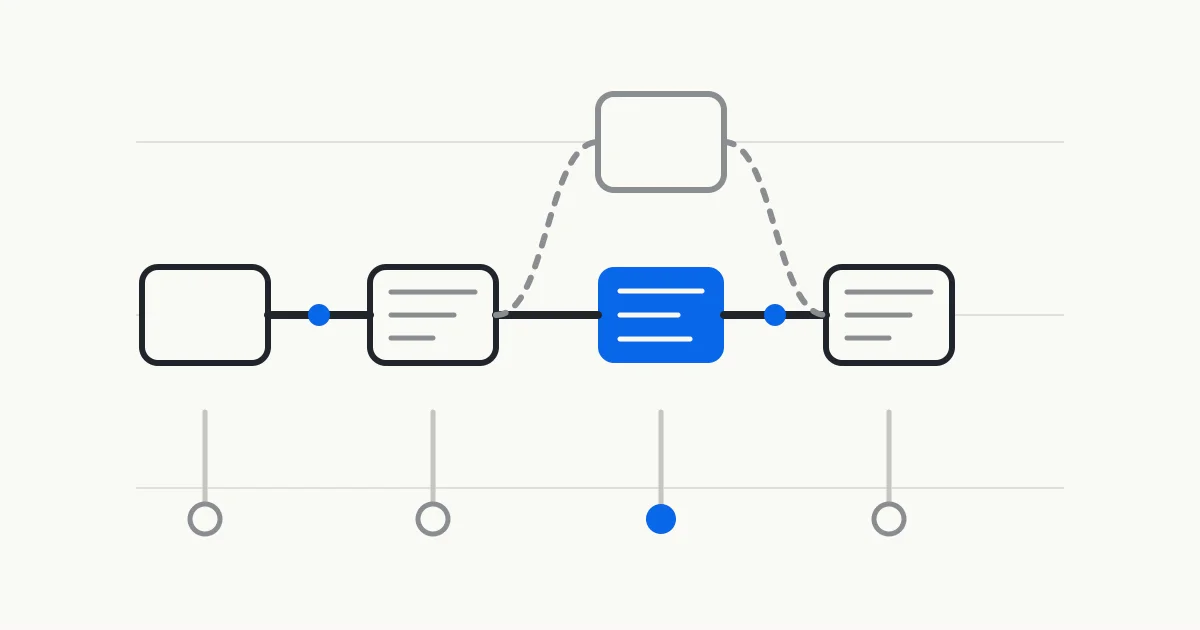
Separate the routing from the specific schedule
A routing describes the operations used to make a product or variant and the order in which they occur. It can also carry resource requirements, setup time, and run time. It answers how this kind of product is normally made. A specific schedule must also decide which machine or resource group performs this order, when the work starts and ends, and how it shares capacity with other orders.
NISTIR 5939 makes a useful distinction between these layers. A routing and operations plan can identify workstation types and operation sequence, while the schedule for a batch assigns steps to specific stations and times. The manufacturing method can remain relatively stable while each scheduling run deals with resource availability and competing orders.
This distinction also determines how a result can be reviewed. A candidate date should trace back to the route version, operation relationships, resource requirements, and time definitions applied to the order. A start and finish date without that trail gives the team little basis for deciding whether a discrepancy came from routing data, a resource calendar, or a scheduling rule.
Resolve the route version that applies to the order
One product can have several routes. Microsoft documents product dimensions, production quantity, production site, and production date among the conditions used for route versions. The route can also change when equipment or process definitions change. Scheduling input therefore needs the product, variant, site, quantity range, effective dates, and version status together.
A version should not be inferred from a filename. Each route needs a stable identifier, and each version needs a clear effective period and approval or activation state. If an order crosses a version change, the manufacturer must confirm whether selection follows the order date, planned start date, or another governed date.
When the first review uses a file or snapshot, retain the source, export time, and selected version. A routing change after that cutoff belongs on the review list. This record shows which data the analysis used and leaves the source system unchanged.
Represent operation sequence as computable relationships
A sequential route can list predecessor and successor operations. Branches, joins, or parallel work need more detail, including predecessor relationships, join conditions, and the permitted overlap. Microsoft distinguishes simple routes from route networks, which can include several starting points and operations that may run in parallel.
Permission to run in parallel does not guarantee a simultaneous start. Two operations may share an operator, tool, or inspection resource. Microsoft also documents that primary and secondary resources for parallel operations must have capacity at the same time under finite scheduling.
Inspection, subcontracting, and transport steps belong in the correct position when they prevent downstream work from starting. An unconfirmed relationship should remain visible as a data gap so that the schedule does not silently treat unknown work as freely parallel.
Connect each operation to eligible resources
An operation can require a specific resource, a resource group, a resource type, a capability, or a skill. Microsoft operations resources can represent machines, people, tools, vendors, locations, and facilities. A first scope may need only some of these types. It should include the resources that materially constrain the selected orders.
Capability-based requirements can leave the exact machine assignment until scheduling. That flexibility depends on stable capability names and effective dates. Resource-group membership, capability validity, and resource-specific processing rates can all change the candidate result.
A resource group is useful only when its members can be combined under the stated planning rule. Differences in speed, tooling, dimensions, or operator qualification can make aggregate capacity misleading. Parallel operations should also distinguish the primary resource that drives duration from secondary resources that must be available at the same time.
Keep the different time definitions separate
Setup, processing, queue, wait, move, and overlap time affect dates in different ways. Setup may occur once per batch, processing may grow with quantity, and wait or move time may extend the gap between operations without occupying the primary machine. Combining them into one standard time can still produce a date, but the planner cannot explain that date reliably.
Each time value also needs its calculation basis and unit. Fixed time, time per piece, batch time, minimum batch, transfer quantity, and resource-specific rates lead to different durations. Microsoft documents standard, capacity, batch, and resource-batch formulas as product-specific choices. Another source system needs its own field definitions reviewed.
Blank and zero values need separate treatment. Zero can mean that the manufacturer confirmed no time is consumed. A blank value more often means missing or unreviewed data. A temporary value can be used within a bounded first review when it is visible and its owner is recorded.
- Setup time
- Time used to prepare equipment, tooling, or a station for work, with a stated order, batch, or other occurrence rule.
- Processing time
- Time in which a resource performs the operation, with quantity, batch, rate, and unit assumptions retained.
- Wait and move time
- Elapsed time before or after an operation, with any constrained resource it consumes stated explicitly.
- Overlap time
- A rule that allows downstream work to begin before the full upstream batch finishes, including the transfer quantity and resource conditions.
Preserve meaning when data moves between systems
NIST CMSD uses a neutral information model to describe manufacturing entities such as resources, production processes, and production plans and the relationships among them. IEC 62264 Part 2 from 2026 describes interface content between manufacturing operations and enterprise functions as interrelated conceptual object models. Both sources show why data exchange depends on object identity and relationships as well as field transfer.
NIST AMS 300-11 puts the use case ahead of data collection. It asks what question must be answered, what data is available, and what context is appropriate. Routing data for a schedule commonly needs the site, order scope, data cutoff, version, effective conditions, units, source, and missing-data state. Connectivity alone does not establish that the data can support the planning decision.
These standards and official models work well as field references. They help the team align names, reduce semantic conflict, and keep the source and scope of the current snapshot clear.
Limit the first scope to data that can move a candidate date
A first review can begin with one defined planning question, such as why completion moved for a particular order type. Confirm that each order resolves to the intended route version, then review operation relationships, eligible resources, time calculations, batch rules, and consequential gaps. Each field should have a clear reason for entering the current schedule.
Compare candidate dates with the current production schedule. The planner can identify an incorrect resource, a missing operation, an obsolete standard time, or a condition known only on the shop floor. A discrepancy points to data or logic that needs fixing. Extending to other products or plants follows the same review.
The deliverable should retain the route version used, field definitions, unknowns, and planner confirmations. Any expansion in product scope can follow the differences found in this review.
Sources
This guide uses official product documentation, original NIST reports, and the IEC catalogue. Vendor fields describe their respective implementations.
- Microsoft Learn Routes and operations
- Microsoft Learn Operations resources
- Microsoft Learn Operations scheduling
- NISTIR 5939 SIMA Reference Architecture Part 1
- NIST Core Manufacturing Simulation Data overview
- NIST AMS 300-11 manufacturing data recommendations
- IEC 62264 Part 2 2026 official catalogue
- Oracle Production Scheduling overview of schedule options
See which routing fields can move a schedule
Bring an anonymized order, the current routing table, and a resource list. The session checks operation sequence, resource requirements, time definitions, versions, and visible gaps. The first round stays read-only, and planners review the result.